
 22 July 2026
 Share
Share
1
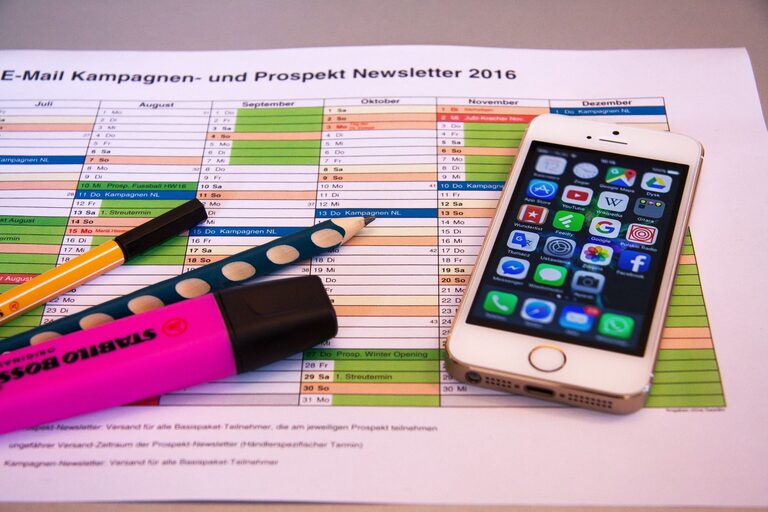
In today’s connected world, our digital lives can quickly become overwhelming. Between overflowing email inboxes, countless files scattered across devices, and an endless stream of apps and notifications, it’s easy to feel cluttered and distracted. Just like tidying your physical space can improve your mood and productivity, decluttering your digital life helps create mental clarity and focus.
This guide will walk you through practical steps to organize your digital environment. Whether you’re a tech novice or a digital pro, these strategies can help you reduce digital chaos and enhance your everyday online experience.
Before diving into the how-to, it helps to understand why digital decluttering matters. A cluttered digital space can lead to:
– Increased stress and overwhelm
– Difficulty finding important files or emails
– Reduced productivity and focus
– More distractions from constant notifications
By creating a more organized digital space, you’ll save time, reduce stress, and feel more in control of your technology.
Begin by assessing what takes up your digital space and attention. This includes:
– Emails and newsletters
– Files and folders on your computer or cloud storage
– Apps on your phone and computer
– Browser bookmarks and tabs
– Social media accounts and notifications
Knowing what you’re dealing with helps set goals for decluttering.
Email is a common source of digital clutter. Follow these tips for a tidier inbox:
Review your subscription emails and newsletters. Unsubscribe from any that no longer interest you or add value.
Set up folders or labels to categorize important emails, such as work, personal, bills, and receipts. This makes it easier to find emails later.
Delete emails you don’t need, especially large attachments. Archive emails you want to keep but don’t need in your inbox.
Most email services have powerful search and filters; use them to quickly locate and manage emails.
A cluttered file system slows you down and wastes space.
Design a logical folder hierarchy that suits your needs, such as separating work, personal, and hobby files.
Use tools or manually identify duplicate or outdated files and delete them.
Adopt a clear naming convention for easy searching and sorting.
Always keep backups of essential files using external drives or cloud services.
Too many apps can drain storage and distract you.
Review your devices and uninstall apps you don’t use regularly.
Keep apps and software updated to benefit from improved features and security.
Group similar apps together to find them quickly.
Web browsers and online accounts contribute to digital clutter.
Delete bookmarks that are no longer useful. Close unnecessary browser tabs to improve performance.
Check and update privacy settings on social media and other online accounts to maintain control over your information.
If you have old accounts you no longer use, consider closing them to reduce your digital footprint.
Notifications can fragment your attention.
Turn off non-essential notifications or set “Do Not Disturb” times to minimize interruptions.
Schedule specific times to check emails, social media, and messages instead of constant monitoring.
Digital decluttering isn’t a one-time task.
– Schedule weekly or monthly check-ins to tidy your digital space
– Keep up with deleting unused files and emails
– Adjust your organization system as your needs change
Decluttering your digital life can seem overwhelming at first, but breaking it down into manageable steps makes it easier. The benefits to your focus, productivity, and peace of mind make the effort worthwhile. Start small and build habits that keep your digital life organized for the long term.
By following these strategies, you’ll create a cleaner, calmer digital environment that supports your goals and reduces everyday stress. Happy decluttering!
